
Adding to Website
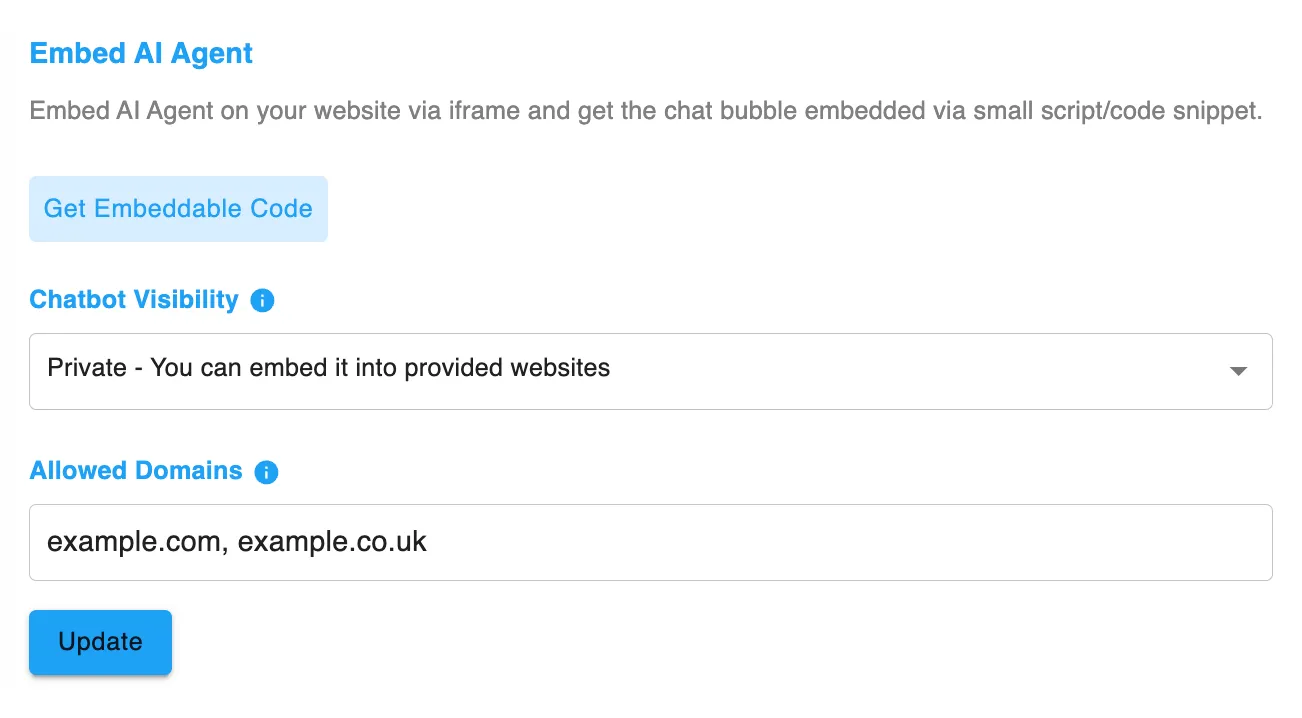
How to connect your Agent to your website
Section titled “How to connect your Agent to your website”To add your AI Agent to your website:
- Go to My AI Agents
- Select the Agent you want to embed
- Go to the Integrations tab
- Click Get Embeddable Code
- A popup will appear with your unique embed script
- Copy the
<script>shown in the popup - Paste the code into your website header
How to add header code to common platforms
Section titled “How to add header code to common platforms”Once you’ve copied the embed script from Chatica, you’ll need to paste it into your website’s header. Here’s how to do that on popular platforms:
Recommended: Secure your widget
Section titled “Recommended: Secure your widget”For added protection, you can restrict where your widget can be used:
- Set Chatbot Visibility to Private
- Under Allowed Domains, enter your website domain (e.g.
yourwebsite.com) - Save your changes
This ensures your Agent only loads on your own website, preventing unauthorised use.