
Adding an Avatar
How to add an avatar
Section titled “How to add an avatar”- Go to My AI Agents
- Select the Agent you want to customise
- Open the Appearance tab
- Scroll down to the Chat Icon section
- Upload your avatars:
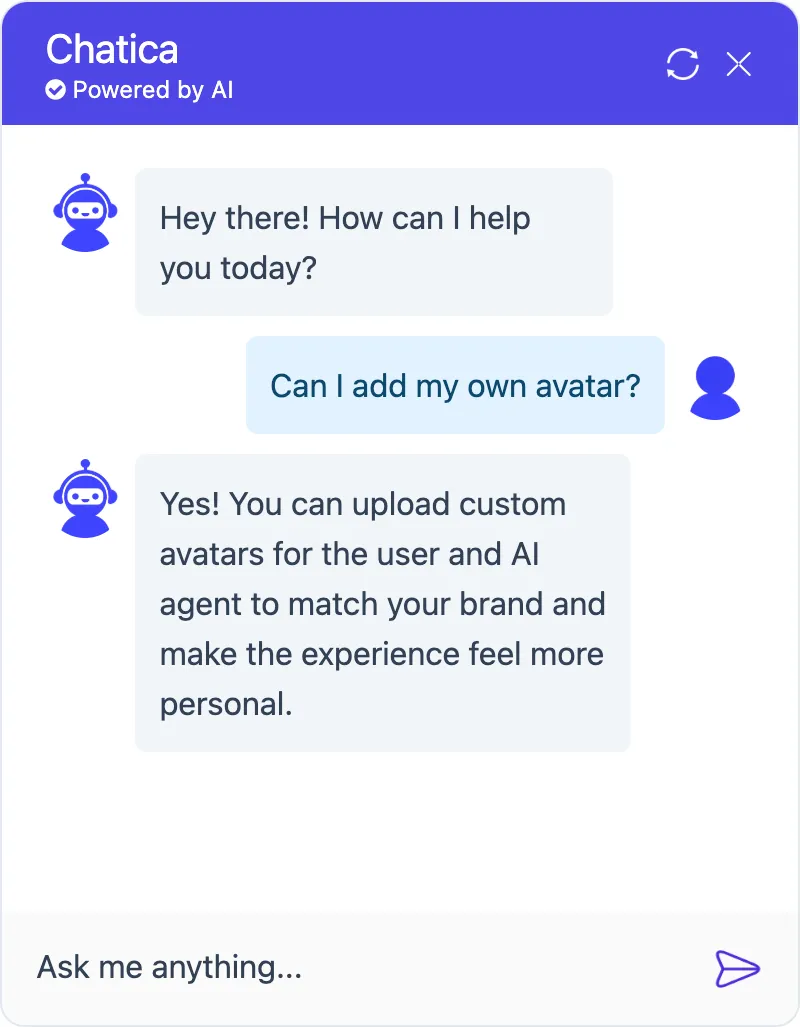
- Chat Avatar – appears next to the AI agent’s messages
- User Avatar – appears next to the user’s messages