
Adding to Facebook, WhatsApp, or Instagram
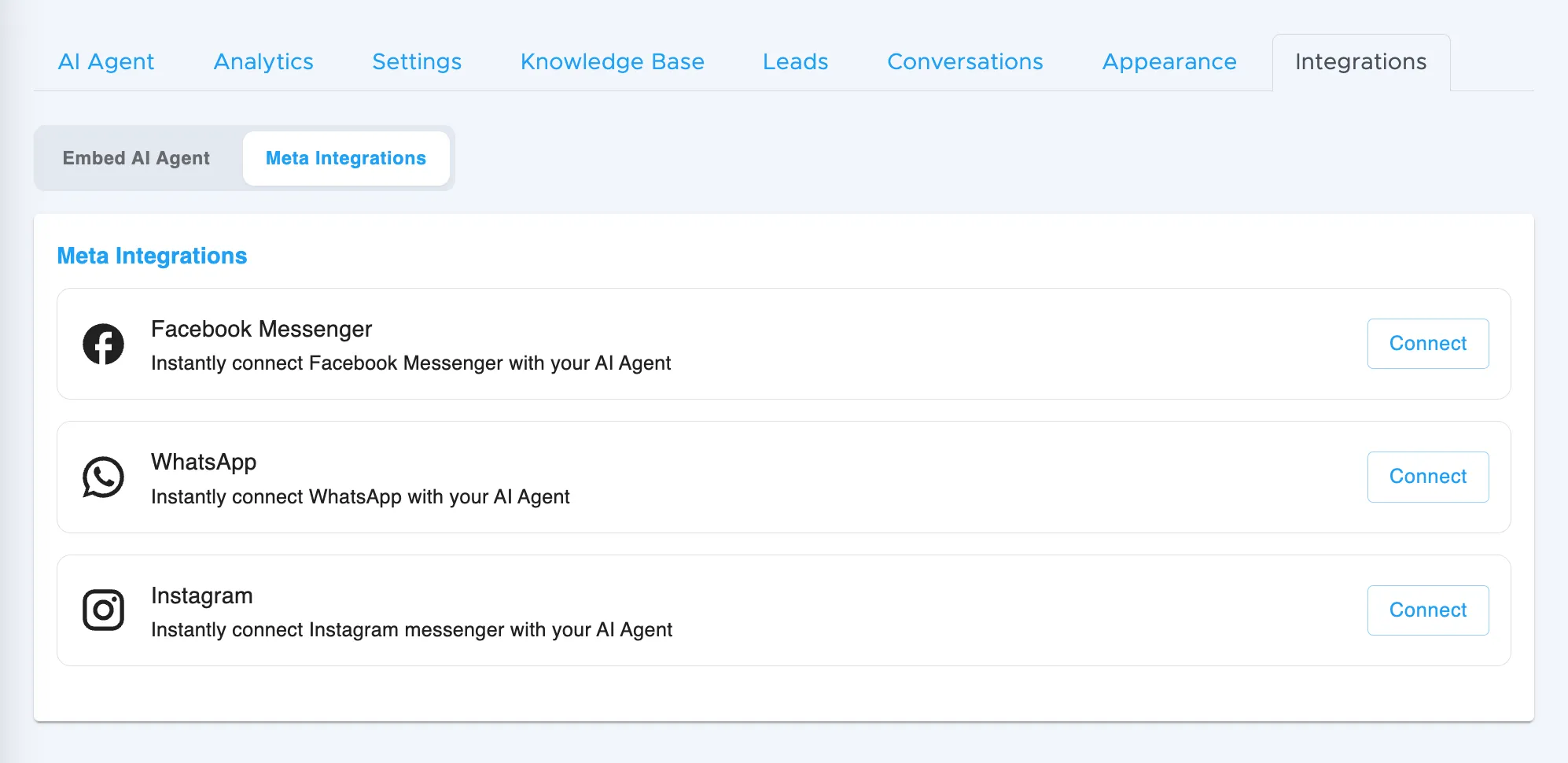
How to connect Meta integrations
Section titled “How to connect Meta integrations”To connect your AI Agent with Facebook Messenger, WhatsApp, or Instagram DM:
- Go to My AI Agents
- Select the Agent you want to customise
- Go to the Integrations tab
- Click on the Meta Integrations option at the top
- Click Connect next to the platform you want to link
- Follow the steps to authorise your Facebook Business account and complete the setup
You can disconnect any integration at any time from within Chatica or directly through Facebook settings.
What happens after connection
Section titled “What happens after connection”You’re done! Once the integration is set up, your AI Agent will automatically start responding to messages on that channel.
For example:
- When someone messages your Facebook Messenger, the Agent will reply within a few seconds
- The same applies to Instagram DMs and WhatsApp if you’ve connected those platforms
There’s no extra setup needed. Messages from these platforms will flow directly into your Agent, just like on your website.